Exploring Schema Search in Database Health Monitor
Exploring Schema Search in Database Health Monitor
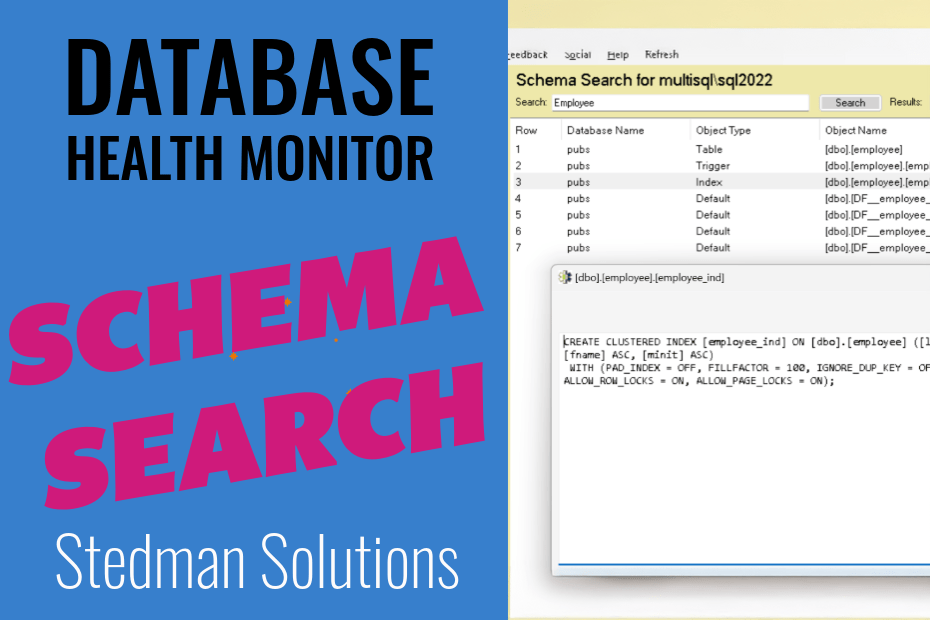
Managing a SQL Server environment can be a daunting task, especially when dealing with numerous databases, objects, and configurations. Fortunately, tools like Database Health Monitor simplify this process with features such as the Schema Search, making it easier than ever to locate and manage database objects efficiently. This functionality stands out as a game-changer for database administrators.
What is Schema Search?
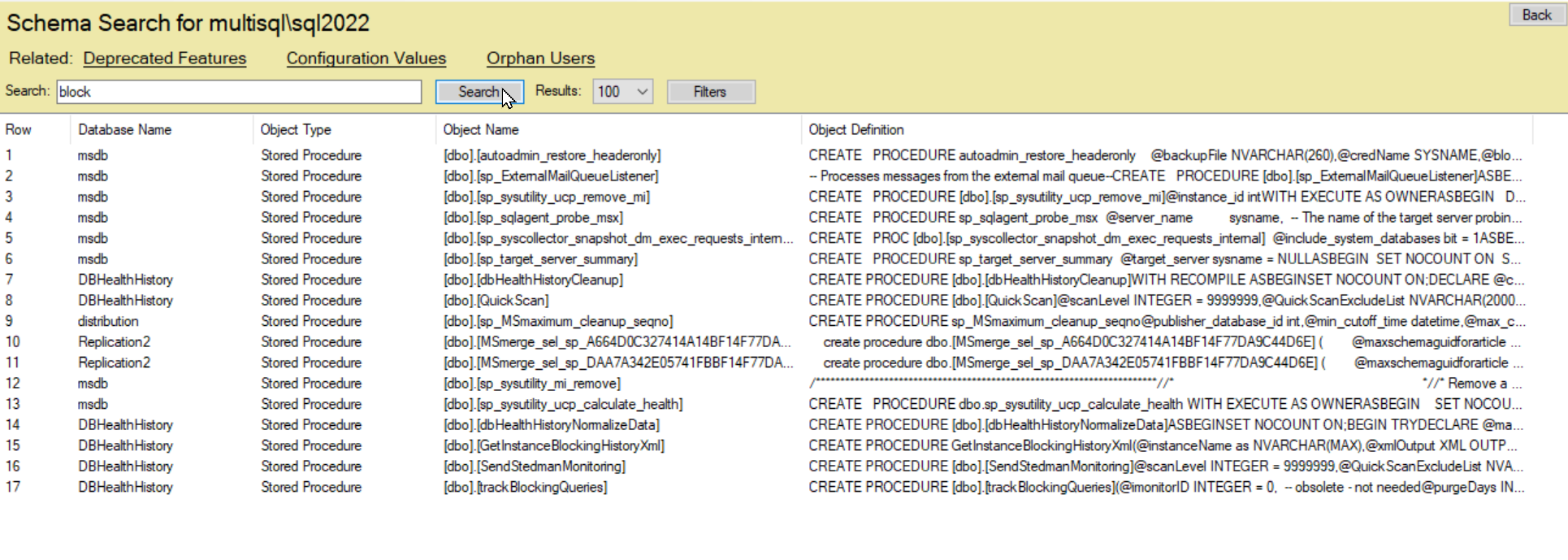
Schema Search, as seen in Database Health Monitor, is a powerful tool designed to help you quickly find specific database objects across your SQL Server instance. Whether you’re looking for stored procedures, tables, or configuration values, this feature allows you to search with precision. The interface is intuitive, featuring a search bar where you can input keywords, alongside options to filter results by database, object type, and more.
How It Works
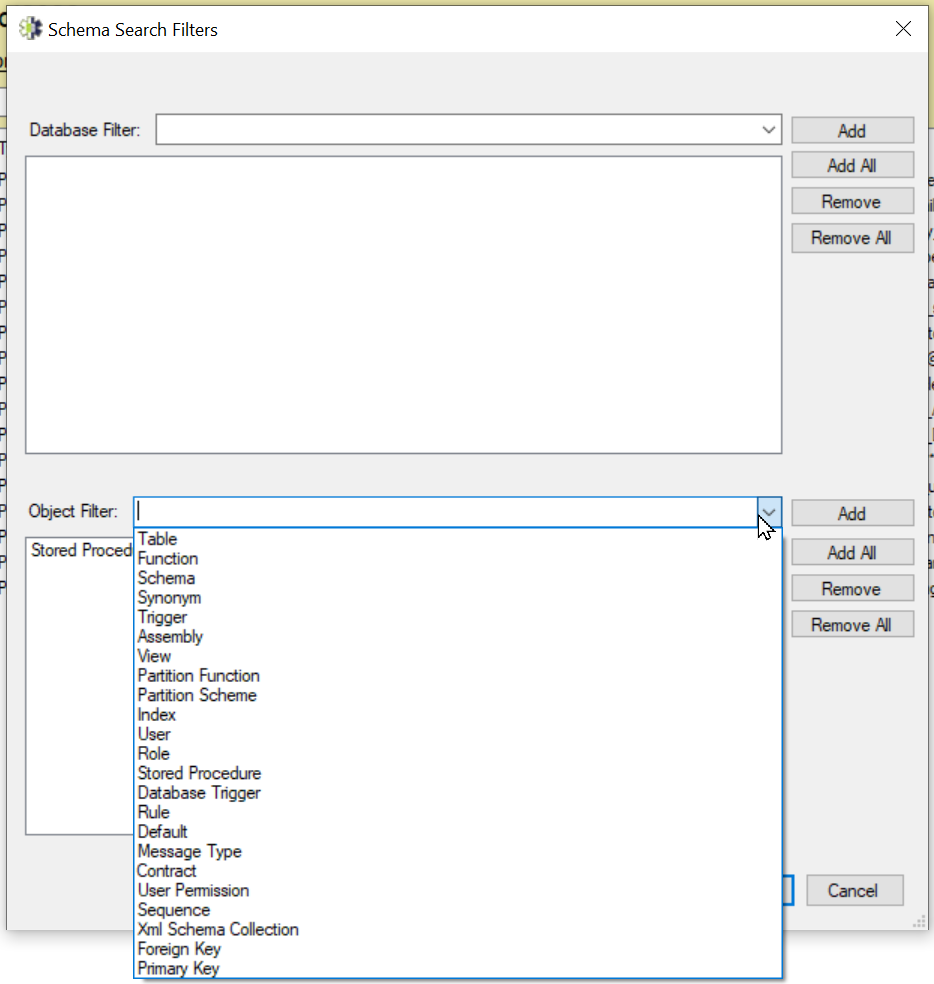
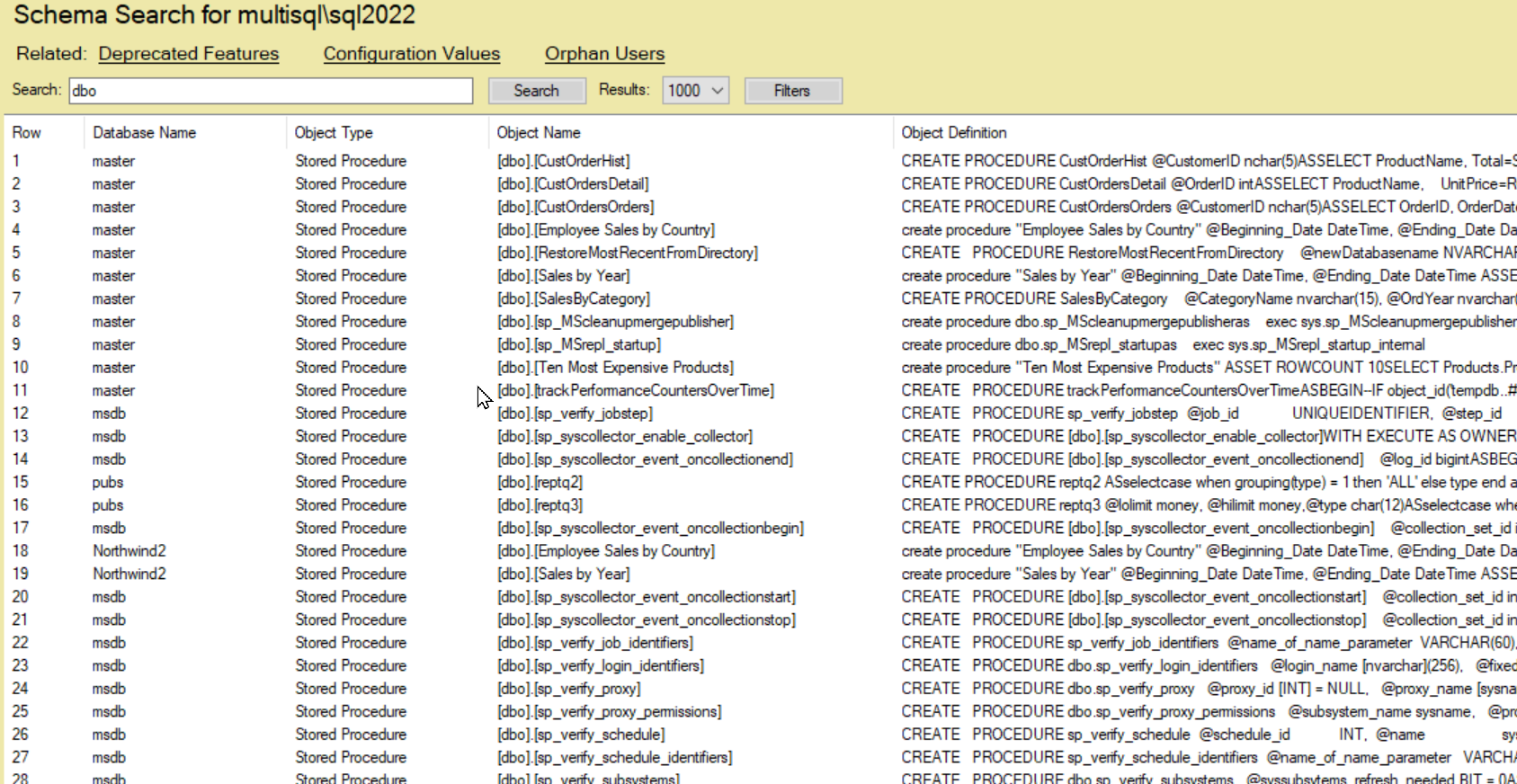
The process is straightforward. Simply enter a search term—such as “dbo” or “block”—and hit the search button. The tool returns a detailed list, including the database name, object type, object name, and even the object definition. For instance, a search for “dbo” might reveal a variety of stored procedures like CustOrderHist or SalesByYear, complete with their SQL definitions. You can adjust the number of results displayed (e.g., 100 or 1000) and apply filters to narrow down your focus, such as targeting specific databases or object types like stored procedures.
Convenience at Its Best
One of the standout benefits of Schema Search is its convenience. Imagine needing to track down a specific stored procedure across multiple databases—without this tool, you might spend hours manually querying each database. With Schema Search, the task takes mere seconds. The ability to view related deprecated features, configuration values, or orphan users in the same interface adds another layer of efficiency. For example, a single search can help you identify outdated procedures or misconfigured settings, saving valuable time during audits or maintenance.
The inclusion of object definitions in the results is particularly handy. Admins can immediately assess the code behind a procedure, such as CREATE PROCEDURE dbo.sp_syscollector_event_oncollectionend, without needing to navigate through SQL Server Management Studio (SSMS) separately. This seamless integration reduces context-switching and boosts productivity.
Practical Use Cases
- Troubleshooting: Quickly locate a procedure causing an error by searching its name or a keyword from its definition.
- Auditing: Identify all deprecated features or orphan users across your instance with minimal effort.
- Optimization: Find and review stored procedures or configuration values to optimize performance.
Schema Search in Database Health Monitor transforms the way database administrators interact with SQL Server. Its ability to deliver fast, accurate results with a user-friendly interface makes it an indispensable tool for managing complex database environments. Whether you’re a seasoned DBA or new to SQL Server administration, this feature streamlines your workflow, allowing you to focus on what matters most—keeping your databases healthy and performant. Give it a try and experience the convenience for yourself!
Quick Tip!