Scalar Function Performance: Read the Blocker Matrix First
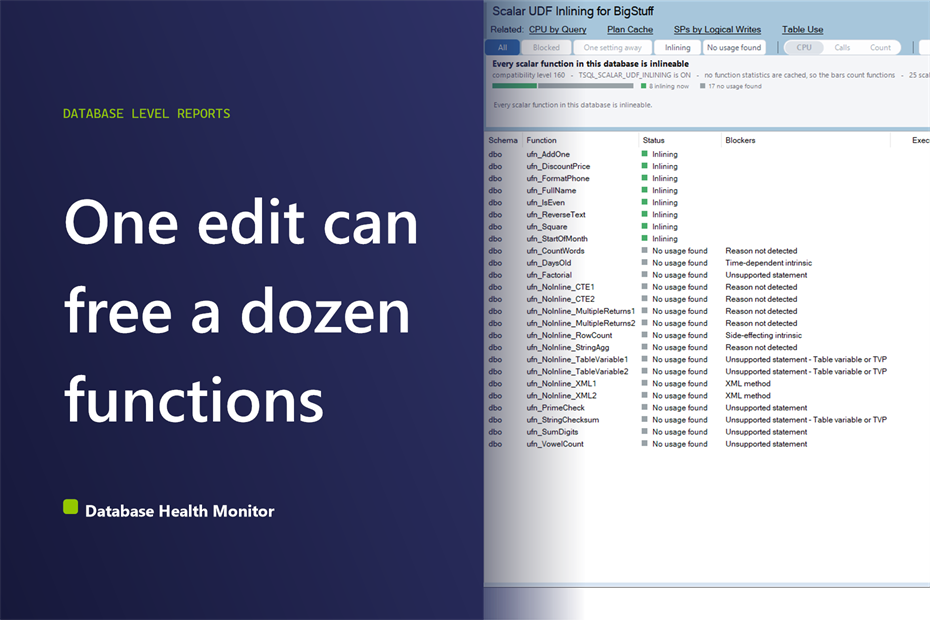
You open a database and you want one answer: which scalar function do I fix first? Database Health Monitor has a report built for that question, Scalar UDF Inlining, and the trap on it is the tallest bar. Do not start there. Start with the strip across the top. If scalar function performance is why you are here, the order you read this screen in decides whether you spend an afternoon rewriting one function or ten minutes editing twelve.
Which edit will improve scalar function performance the most in my SQL Server database? Read the zone strip first to see how many functions already inline, then take the leftmost red column of the blocker matrix, because columns are sorted by remaining cost. Hover its rows to find a blocker that nothing else shares. That single edit improves scalar function performance the most per change.
In this post
- Read the headline before the chart
- The zone strip: four verdicts, one trap
- What scalar function performance looks like in the matrix
- Healthy readings and readings that need action
- Hover the rows, then click into the grid
- Right-click for the scripts, and read before you run
- Where the numbers can mislead you
Read the headline before the chart
The first line of the page is not a finding about your functions. It is a finding about your database. Inlining needs two things switched on: compatibility level 150 or higher, and the scoped configuration TSQL_SCALAR_UDF_INLINING. If either is off, the headline says that nothing is being inlined, and the rest of the page is premature.
That matters because a switch problem looks exactly like a code problem from a distance. Twenty functions all failing to inline feels like twenty rewrites. It might be one setting. The report puts the setting question first so you cannot skip it.
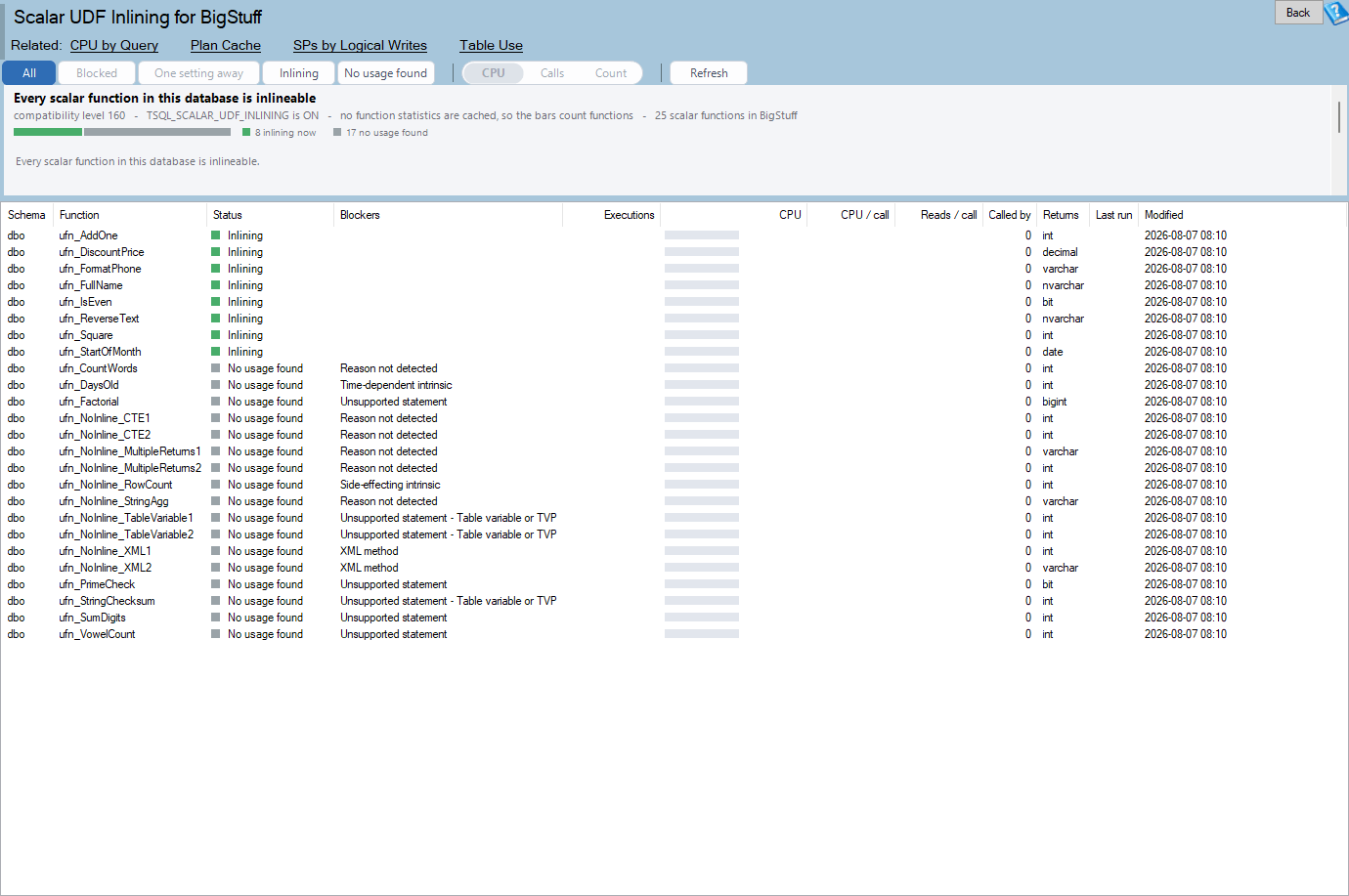
Scalar UDF Inlining is one of the reports in Database Health Monitor. It runs against your own servers, and it takes about a minute to have this same screen open on one of them.
The page needs SQL Server 2019 or newer, because sys.sql_modules.is_inlineable does not exist before it. On older instances the tree node is simply not drawn. Two permissions change what you see. Without VIEW DEFINITION the module text comes back empty and blocked functions land in a Reason not detected row. Without VIEW SERVER STATE every cost column is empty and the chart counts functions instead of spending.
The zone strip: four verdicts, one trap
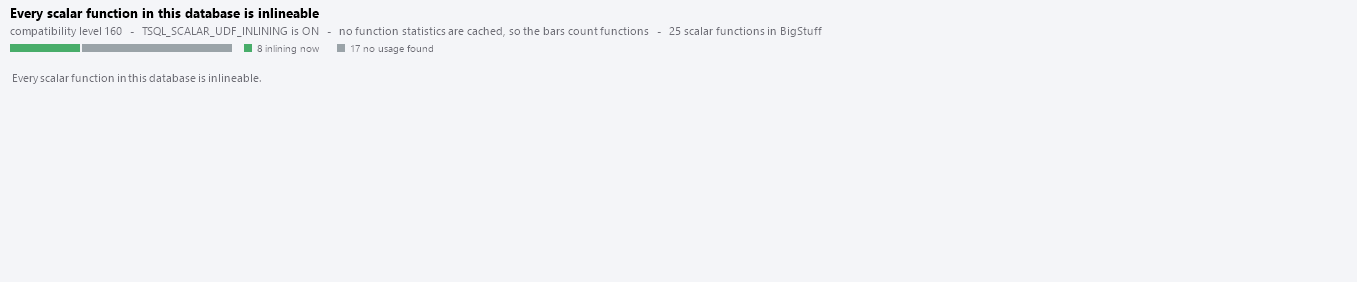
Under the headline sits a single full-width strip. It splits every scalar function in the database into four bands, each with its own swatch and a count beside it, so color never carries the meaning alone.
| Band | Color | What to do |
|---|---|---|
| Inlining | Green | Nothing. These already work. |
| One setting away | Amber | Flip a setting. No rewrite. |
| Blocked | Red | Change the code. |
| No usage found | Gray | Investigate before you touch anything. |
Read the proportions, not the counts. A strip that is mostly green means the feature is quietly doing its job and you can close the tab. Mostly amber means somebody never raised the level. Mostly red is where the rest of this walkthrough earns its keep.
Now the trap. A function that is being inlined disappears from sys.dm_exec_function_stats, because there is no call left to count. So a working function shows no CPU at all. If you judged the page by cost alone, your best-behaved functions would look unused. That is why the report checks for inlining before it checks for dead code, and why gray means no usage found and not unused. Two searches had to come back empty: nothing in the plan cache has called it, and nothing in the database references it.
What scalar function performance looks like in the matrix
Most database charts rank objects, worst first. This one cannot, and the reason is worth a minute. Inlining is decided function by function, but fixed edit by edit. Remove the same habit from five functions and all five qualify. A ranked bar chart would show five separate bars and hide the fact that they share a cure.
So the mark is a set matrix. Each row is one reason a function can fail. Each column is one distinct combination of reasons found in this database, with a bar above it and a small count such as x5 beneath it showing how many functions share that exact combination. The bar height is whatever the toolbar says: CPU still being spent, calls still being made, or a plain count of functions. The heading over the bars changes with the choice, so no bar is ever unlabeled.
- The pinned green column on the left is not a set of blockers. It is the absence of one: functions that qualify but are not being inlined. Its fix is a setting.
- Every red column after it is sorted by weight. The leftmost red column is the edit worth making first.
- The row bars on the right count blocked functions carrying each reason, which tells you which habit is most widespread.
- A gray column at the end folds the tail once there are more than 18 columns, and the footer says how much it folded.
The two orderings are allowed to disagree, and when they do, that is information. A blocker sitting on nine functions whose column is only the third bar means those nine are barely called.
Healthy readings and readings that need action
A healthy page has a strip dominated by green, a matrix that is empty or nearly so, and the plain statement that every scalar function in the database is inlineable. A small gray band is normal. Old code accumulates.
A page that needs action has a shape. The shapes are few, and each one points at a different response.
| What you see | What it means | What to do |
|---|---|---|
| Tall green column, nothing else | Every function qualifies, none inline | A setting, not a project. Plan regression testing. |
| One wide row across most columns | One habit spread through the code, usually GETDATE() | A batch of small identical edits. |
| Short column, enormous bar | A rare combination, called constantly | Rewrite it on its own merits. |
| Tall column, tiny bar | Many functions, barely called | Real work, little payoff. Come back later. |
| Mostly gray strip | Code nothing appears to call | Check the application before deleting. |
| Large Reason not detected row | The engine refuses and the scan cannot say why | Read the definitions by hand. Encrypted modules land here. |
The commonest red habit by a long way is a time-dependent intrinsic. Somebody put GETDATE() in a function years ago and every function written after it copied the style. Passing the time in as a parameter is usually the cheapest fix on the whole page.
Hover the rows, then click into the grid
The matrix tells you where to look. The hover tooltip tells you whether to bother. Point at a row and it names the blocker, says what the function would have to become, and gives two numbers: how many blocked functions carry it, and how many of those carry nothing else.
The second number is the one that matters. If four of nine have nothing else wrong, one edit frees four. If the answer is none, the tooltip says that fixing this alone would not make any of them inline, and you move on to a different row.
Once a row looks worth attacking, click it. The grid filters to every function carrying that blocker. Click a column instead and it filters to that exact combination. Click again to clear.

The grid sorts blocked functions first, then by cost, then by callers. Read Blockers to confirm the combination, CPU / call and Reads / call to see whether one call is heavy or there are simply a great many, and Called by to see how far a rewrite would reach. That last column counts modules in this database only. A function called straight from application code shows nothing there, because SQL Server does not record it.
Double-click a row to open the definition with the verdict and every blocker written across the top as comments. For a function created WITH ENCRYPTION the window tells you the text is unreadable rather than showing a blank box. The full column reference lives in the Scalar UDF Inlining documentation.
Right-click for the scripts, and read before you run
The context menu is where the walkthrough turns into work. Copy rewrite checklist lists what was found on that specific function and what each finding would have to become. Copy "who calls this" script uses sys.dm_sql_referencing_entities to show the blast radius. Copy inlining status script asks the engine for its own verdict.
None of it changes anything. Every statement that would modify the database is commented out, and nothing is installed on the monitored instance. The enable script is the one to read twice. It warns that raising the compatibility level re-plans the whole database, because it changes the cardinality estimator and every optimizer behavior tied to the level, and it tells you to capture a Query Store baseline first.
A rewrite is a code review. A compatibility level change is a bet on the whole database.
There is an escape hatch worth knowing before you flip anything. Inlining can be turned off for a single function with WITH INLINE = OFF, so one regression does not cost you the feature everywhere else.
Where the numbers can mislead you
Costs come from the plan cache, and nothing is stored. A restart empties it. So does memory pressure, and so does anyone running DBCC FREEPROCCACHE. A page opened an hour after a restart will show small bars and a lot of gray. Treat that as a reason to look again later, not as a clean bill of health.
If the cache holds nothing for any of the functions in the chart, CPU and calls would draw identical zero-height bars. The chart falls back to counting functions and says so in its subtitle. That is a fallback, not a broken chart.
The engine's answer in is_inlineable is final, and the report does not argue with it. What the engine will not give you is the reason, so the reason is inferred from the catalog and from scanning the body of the function. The scan blanks out comments, string literals and bracketed identifiers first, matches on whole words, and requires an intrinsic to be followed by an opening bracket. A comment that mentions GETDATE() does not count against a function. When the scan finds nothing, you get Reason not detected instead of a guess, which saves you rewriting a function that would still refuse afterward.
When a function drops out of the cost columns after a change, that is usually success. When a function you never touched drops out, check whether it is being called at all. The cost view alone cannot tell those two stories apart, which is the same kind of problem we cover in Wait Based Tuning: Which Part of the Bar to Read First. A number that goes quiet is not automatically a number that got better.
After any rewrite, check is_inlineable again. It is the only thing that settles whether the edit worked.
What to check on your own server
- Check the database compatibility level and the TSQL_SCALAR_UDF_INLINING setting before reading anything else about your functions
- Query sys.sql_modules for is_inlineable to count how many scalar functions the engine already accepts
- Search the blocked function bodies for GETDATE() followed by a bracket, the commonest single blocker
- Capture a Query Store baseline before you raise any compatibility level
- Recheck is_inlineable after every rewrite, because it is the only thing that settles whether the edit worked
Try Database Health Monitor Today
It shows which scalar functions SQL Server refuses to inline, why, and which single edit would free the most of them at once. Database Health Monitor shows it on every instance you connect, in the time it takes to open the report.
Download Database Health Monitor and run the Scalar UDF Inlining report against your own server. There is nothing to configure first, and you will know inside a few minutes whether it tells you something you did not already know.