In the world of database management, maintaining optimal performance is an ongoing challenge. One crucial aspect that often gets overlooked is the management of indexes. While indexes can significantly enhance query performance, having too many of them can lead to issues when it comes to inserts, updates, and deletes. In this blog post, we’ll explore the delicate balance of index management and discuss strategies to identify and remove unnecessary indexes without compromising system stability. The Dilemma of Too Many Indexes …

Dangers of Removing Indexes Read more »

Managing a SQL Server environment extends beyond routine maintenance. It demands a proactive strategy for optimal performance and reliability. A pivotal element of this approach is the thorough SQL Server Health Assessment, focusing on monitoring and alerts for specific errors and severity levels. Understanding the Need for Alerts Alerts for severity levels 19 to 25 and errors 823, 824, and 825 are crucial in your SQL Server Health Assessment. These represent serious system issues. Severity levels 19 to 25 indicate …

SQL Health Assessment and Configuration of Alerts Read more »

Understanding the GFS BACKUP Schedule and How It Can Work with SQL Server When managing SQL Server databases, having a robust backup strategy is crucial. While SQL Server offers built-in tools for backups, leveraging a Grandfather-Father-Son (GFS) backup schedule can significantly enhance your backup strategy by providing a layered approach to data retention and recovery. In this blog post, we’ll explore how the GFS backup schedule works, why it’s an excellent fit for SQL Server environments, and how you can …

GFS Backup Schedule Read more »

Running the DBCC CHECKDB command is a critical part of database administration, as it ensures that your SQL Server database is free from Corruption and data consistency issues. The Database Health Monitor for SQL Server provides insights into the results of the DBCC CHECKDB command, enabling you to identify potential issues and take corrective action to ensure database health. The DBCC CHECKDB command is used to check the logical and physical integrity of all objects in a database, including tables, …

Database Health: CheckDB and Database Health Monitor Read more »

Understanding CXPACKET, CXCONSUMER, CXSYNC_CONSUMER, and CXSYNC_PORT in SQL Server When analyzing SQL Server Performance, you may encounter wait types like CXPACKET, CXCONSUMER, CXSYNC_CONSUMER, and CXSYNC_PORT. These wait types are related to parallelism in SQL Server. Understanding their role and how they interact is critical for optimizing performance. What Are These Wait Types? 1. CXPACKET The CXPACKET wait type traditionally indicated waits related to parallel query execution. Specifically, it showed the time a worker thread waited during coordination with other threads …

CXPACKET, CXCONSUMER, CXSYNC_CONSUMER, and CXSYNC_PORT Read more »

MSSQL Monitoring Tools: Keeping Your SQL Server Running Smoothly Monitoring your Microsoft SQL Server (MSSQL) environment is essential to ensure optimal performance, stability, and reliability. MSSQL monitoring tools provide the insights and alerts necessary to detect potential issues, optimize queries, and maintain database health. With the growing complexity of SQL Server environments, having the right tools and services to monitor your systems is more critical than ever. At Stedman Solutions, we specialize in providing MSSQL monitoring tools and Managed Services …

MSSQL Monitoring Tools from Stedman Solutions Read more »

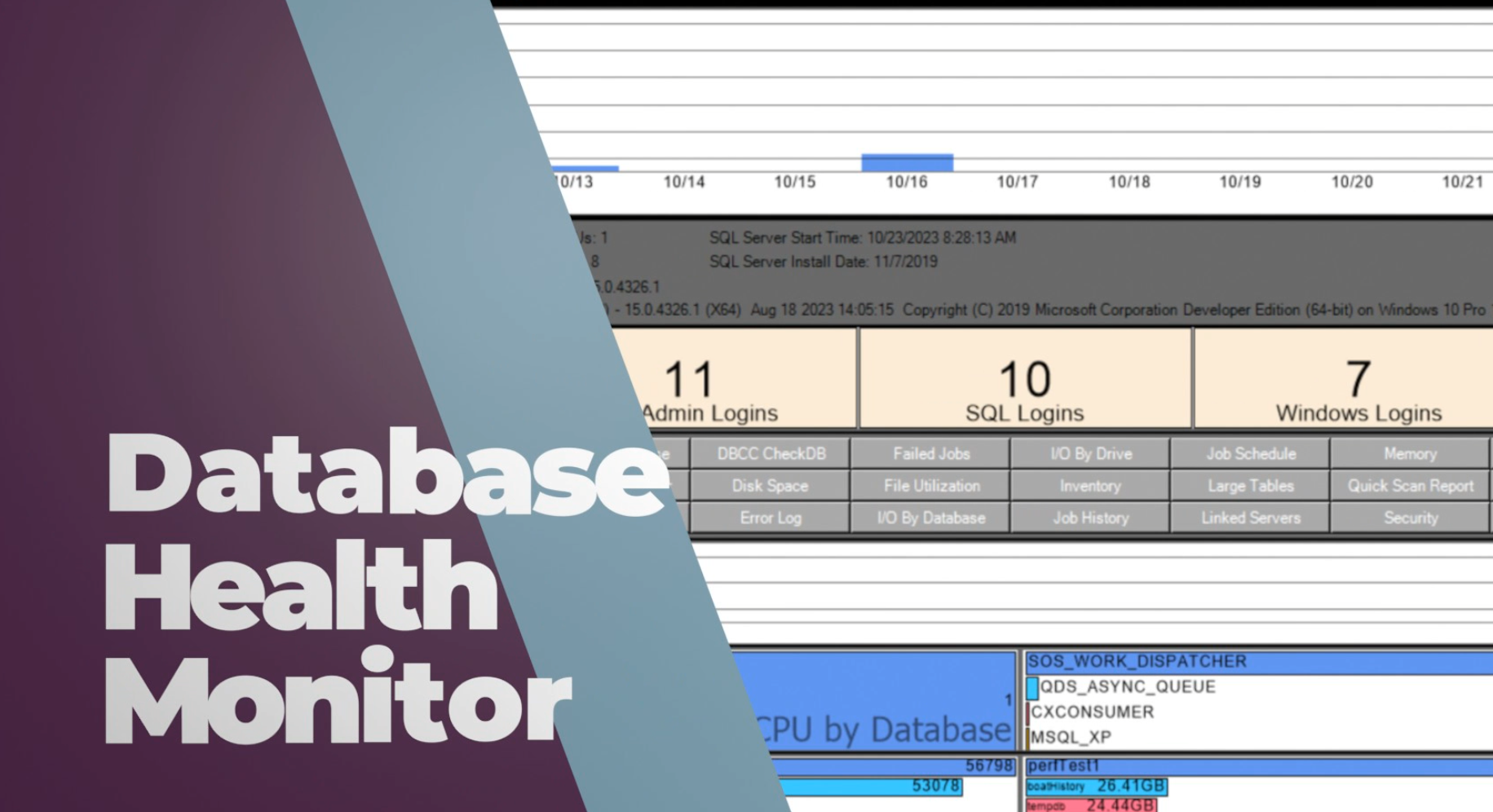
Hello, I am Steve Stedman, a SQL Server expert, and I want to introduce you to my product, the Database Health Monitor for SQL Server. As a database administrator, I know how important it is to keep your database environment running smoothly. The Database Health Monitor is a powerful tool that provides real-time monitoring and alerting to help you maintain your SQL Server databases’ health. Database Health Monitor for SQL Server The Database Health Monitor, offers a customizable dashboard that …

SQL Monitoring Solution Read more »

Exploring the VLF Report in Database Health Monitor Virtual Log Files (VLFs) are an essential but often overlooked component of SQL Server transaction logs. Poorly managed VLFs can lead to performance bottlenecks, slow recovery times, and even blocking issues. Thankfully, the VLF Report in Database Health Monitor provides a detailed view of the Virtual Log Files inside your transaction logs, helping you take control of your database’s performance. Let’s dive into how the VLF Report works, what insights it provides, …

VLF Report in Database Health Monitor Read more »

Securing SQL Server: Best Practices for a Safe and Reliable Database SQL Server security is a critical aspect of database management. With the increasing prevalence of cyber threats, it’s essential to ensure your SQL Server is secure from unauthorized access, data breaches, and Corruption. In this blog post, we’ll cover key best practices for safeguarding your SQL Server environment. 1. Keep SQL Server Updated Regularly applying patches and updates is your first line of defense. Microsoft frequently releases updates to …

Securing SQL Server Read more »

How to Fix CPU Waits: SOS_SCHEDULER_YIELD in SQL Server When SQL Server Performance issues arise, one of the most challenging problems to diagnose and resolve is high CPU usage. Among the various wait types that indicate CPU bottlenecks, SOS_SCHEDULER_YIELD is one of the most common. This post will explore how SQL Server schedules CPU, what the SOS_SCHEDULER_YIELD wait type signifies, and practical steps to address this issue. Understanding SQL Server’s CPU Scheduling SQL Server uses a cooperative scheduling mechanism called …

How to Fix CPU Waits: SOS_SCHEDULER_YIELD Read more »